Self-hosted industrial AI that powers your digital transformation
While competitors keep messing around with bare-bones Excel tables, your team can unleash AI power for efficiency gaines and quicker digital transformation. Best of all, it runs locally in your data center, on your own hardware:
- Fully on-premise (small/medium semi-fine-tuned local LLMs, no outbound connections, no data ever leaves the facility).
- Natural-language chat interface directly on top of the contextualized OTbase inventory.
- Anyone (maintenance, engineers, auditors, even non-technical managers) can ask plain-English questions and get instant, accurate answers.
- Zero exposure of confidential OT data to public models like ChatGPT/Claude.
Transforming disperse data into
AI-powered knowledge
In modern OT operations, multiple stakeholders need easy access to OT data and analytics. What could be easier than giving them a state-of-the-art natural language chat interface? No more need to learn a complex new user interface!
That’s what OTbase Insight does:
- It provides asset context for SOC analysts who have to work off of an IP or MAC address.
- It informs control engineers and maintenance specialists of outdated firmware versions, obsolete hardware components, and configuration drift.
- It generates compliance reports for IT auditors.
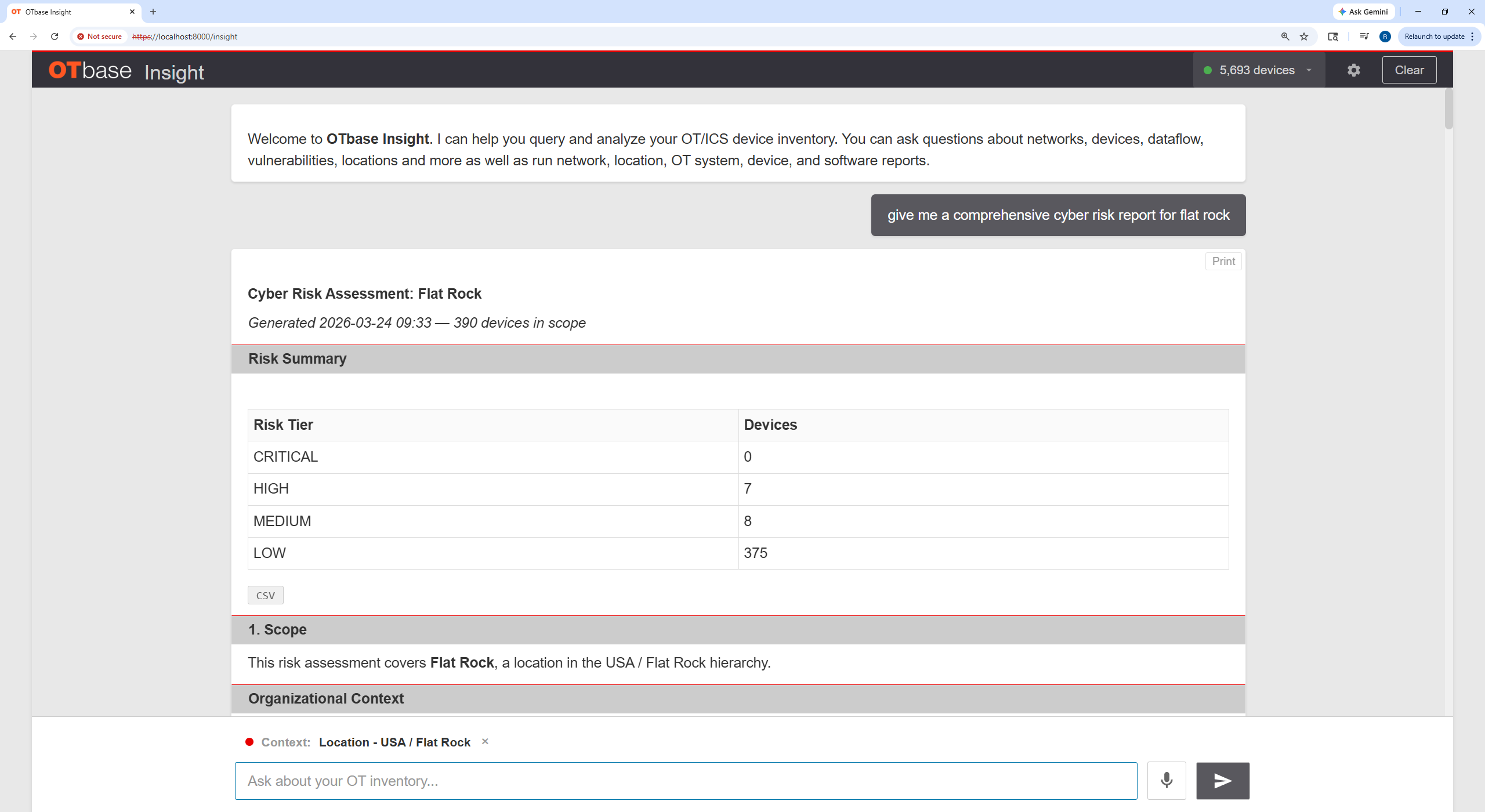
- It produces risk assessments for OT security experts.
But best of all, it runs locally, in your data center. No need to worry about confidentiality, because your proprietary knowledge never leaves your network.

Here’s how it’s done:
Set up your local AI server
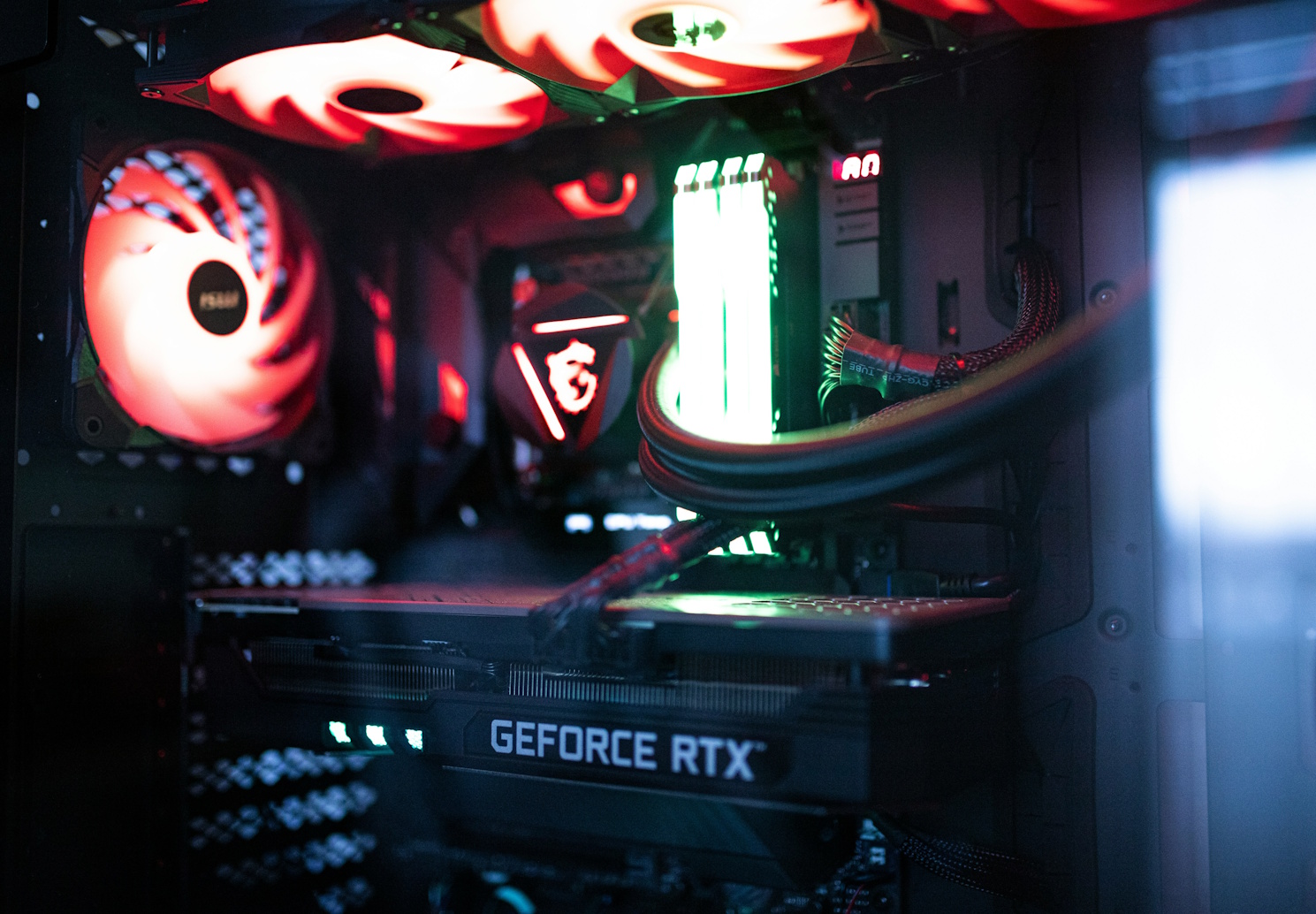
OTbase Insight does not rely on a public AI platform like x.AI or Open AI. It runs on a server in your data center or private cloud. Hardware requirements are reasonable because OTbase Insight is optimized for a very narrow domain: Your contextualized OT asset inventory, as represented in OTbase Inventory. Depending on your inventory size, a low-cost consumer-grade gaming server may suffice.
Link OTbase Insight to your existing OTbase Inventory
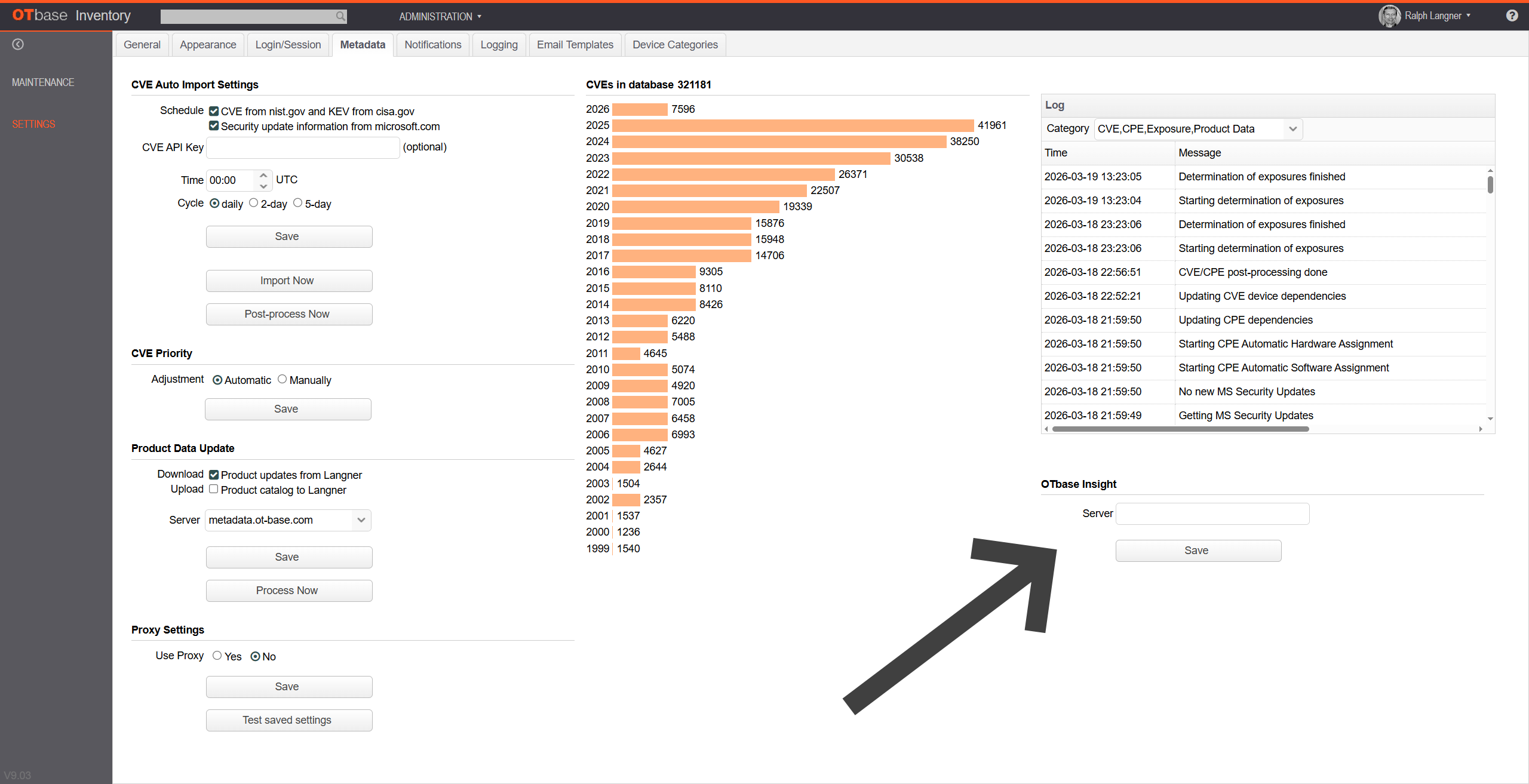
Tell OTbase Insight the address of your OTbase Inventory server, and vice versa.
This way OTbase Insight will use your existing database, with all contextual dimensions. It will also observe the access rights that you have defined for various users and user groups.
This step just takes five minutes.
Empower users with local AI
Let users quickly get the OT insight they need, from specific configuration details to full-blown risk assessments — without having to familiarize themselves with OTbase Inventory.
Ready to start your OT Security Journey ?
We can help.